App Store launch · July 4, 2026
Everything reviewers, journalists, creator-tool publishers, and app directories need to cover LevelCheck.
LevelCheck is your acoustic advisor on iPhone — run guided room and booth checks, get plain-English recommendations on what to fix, and verify improvements with Fix-Verify, all on-device with no account and no cloud storage of audio.
Download TXTLevelCheck is an acoustic advisor for iPhone and iPad — not just another decibel meter. Run 25 guided room and booth checks, get plain-English next steps, and verify improvements with Fix-Verify. On iPhone, try the App Clip demo at levelcheck.live/clip before installing. Free tier includes live metering and spectrum; Core and Pro unlock guided workflows, comparisons, and Pro tools like LiDAR and external mic support. Not a certified SPL meter.
Download TXTLevelCheck is your acoustic advisor for iPhone and iPad — not just another decibel meter. It helps DJs, producers, podcasters, and venue operators run guided setup checks and get plain-English recommendations on what to fix, without pro-audio jargon or a cloud account. The app combines 25 guided room and booth checks (11 on Core Annual, 14 on Pro Annual) with Fix-Verify workflows and side-by-side comparisons. Live loudness metering, 7-band spectrum, and NIOSH/OSHA noise-dose tracking are included for credibility. On iPhone, the App Clip at levelcheck.live/clip offers a lightweight meter preview. Measurement data stays on-device; no audio is recorded or transmitted. Designed for practical setup guidance — not formal compliance or laboratory calibration.
Download TXTAcoustic advisor · App Clip demo — Fix your room sound with guided checks and plain-English advice. Try the meter at levelcheck.live/clip before installing.
Download TXTLevelCheck is your acoustic advisor for iPhone — not just another decibel meter. Run 25 guided room and booth checks, get plain-English recommendations on what to fix, and verify improvements with Fix-Verify. Live metering, 7-band spectrum, and on-device history included. App Clip at levelcheck.live/clip offers a meter preview without a full install. Free essentials plus Core ($24.99/yr) and Pro ($39.99/yr) for guided workflows, export, LiDAR, and external mic support. Local-first — no account required. Not a certified SPL meter.
Download TXTIf you are reviewing creator tools, DJ apps, or practical audio utilities, LevelCheck is an acoustic advisor — not a commodity decibel meter. It offers 25 guided room and booth checks, plain-English recommendations, Fix-Verify comparisons, and optional Pro depth (LiDAR room scan, AR speaker placement, external mic calibration). The App Clip at levelcheck.live/clip lets reviewers try the meter before install. Privacy story: measurement data stays on-device; no audio is recorded or transmitted.
Download TXTEach guided check helps users understand what they are hearing and what practical steps may help.
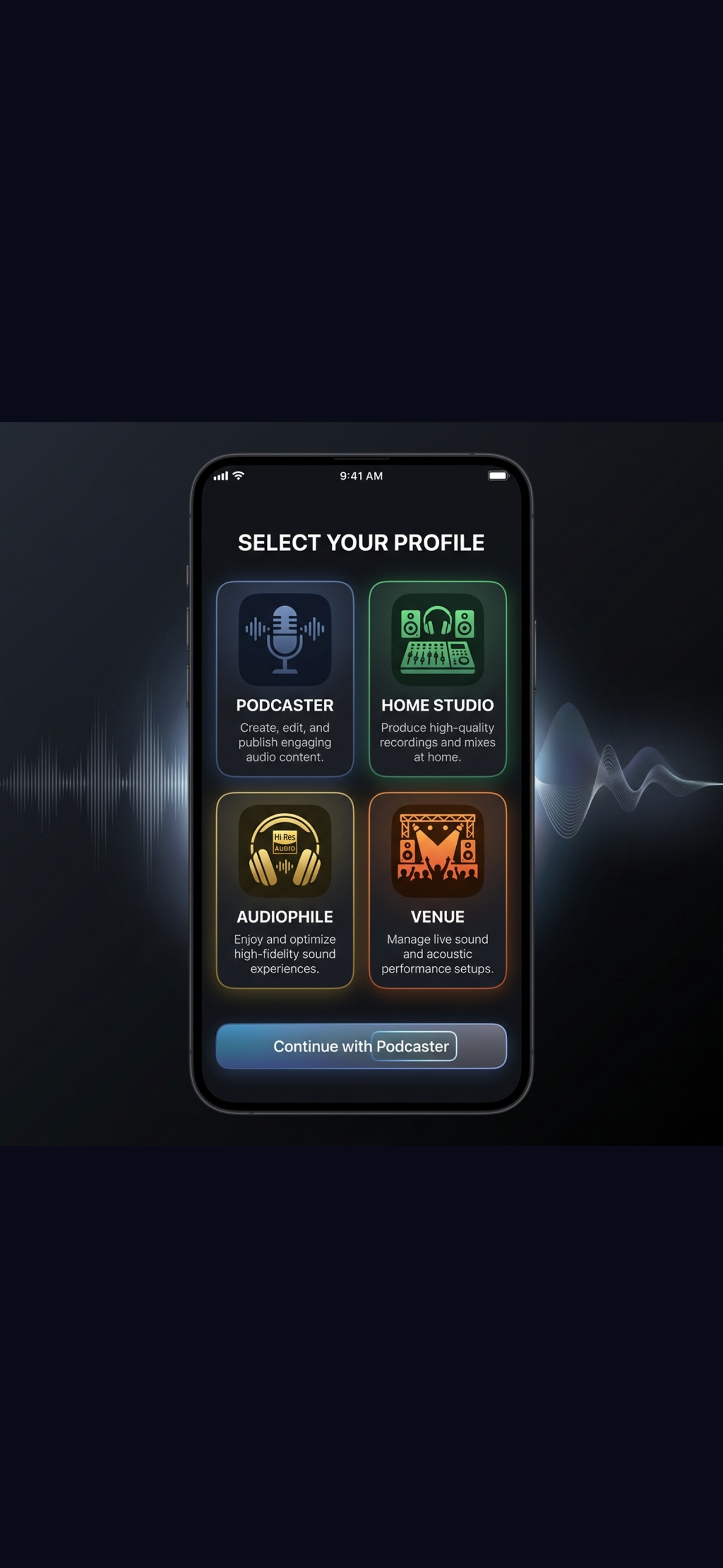
Run a booth check before your set. Spot speaker balance issues, monitor loudness in real time, and get quick fixes — no sound engineer needed.
Optimize monitor placement, check room modes, run signal-assisted room-response checks, and use fix-and-verify to confirm treatment changes worked.
Run vocal booth and broadcast checks, track noise floor levels, and get plain-English advice on acoustic treatment and gear placement.
Run quick room checks before doors open, save profiles for each space, and compare results over time to track improvements.
Check streaming and recording levels with dBA/dBC/dBZ weighting, session history, and guided checks — all on-device.
Measure crowd and amplified sound, track noise dose for longer sessions, and get practical guidance on levels and breaks.
Core Annual — $24.99/year: 11 guided checks, unlimited history and profiles, comparisons, fix-and-verify, CSV/PDF export.
Pro Annual — $39.99/year: Everything in Core plus 14 specialist checks, LiDAR, AR placement, external mic, and advanced spectrum tools.
Logos, screenshots, video, and text files for publication. All links open or download directly.
Vector icon for light and dark backgrounds.
High-resolution app icon for print and directories.
Social and article share image with branding.
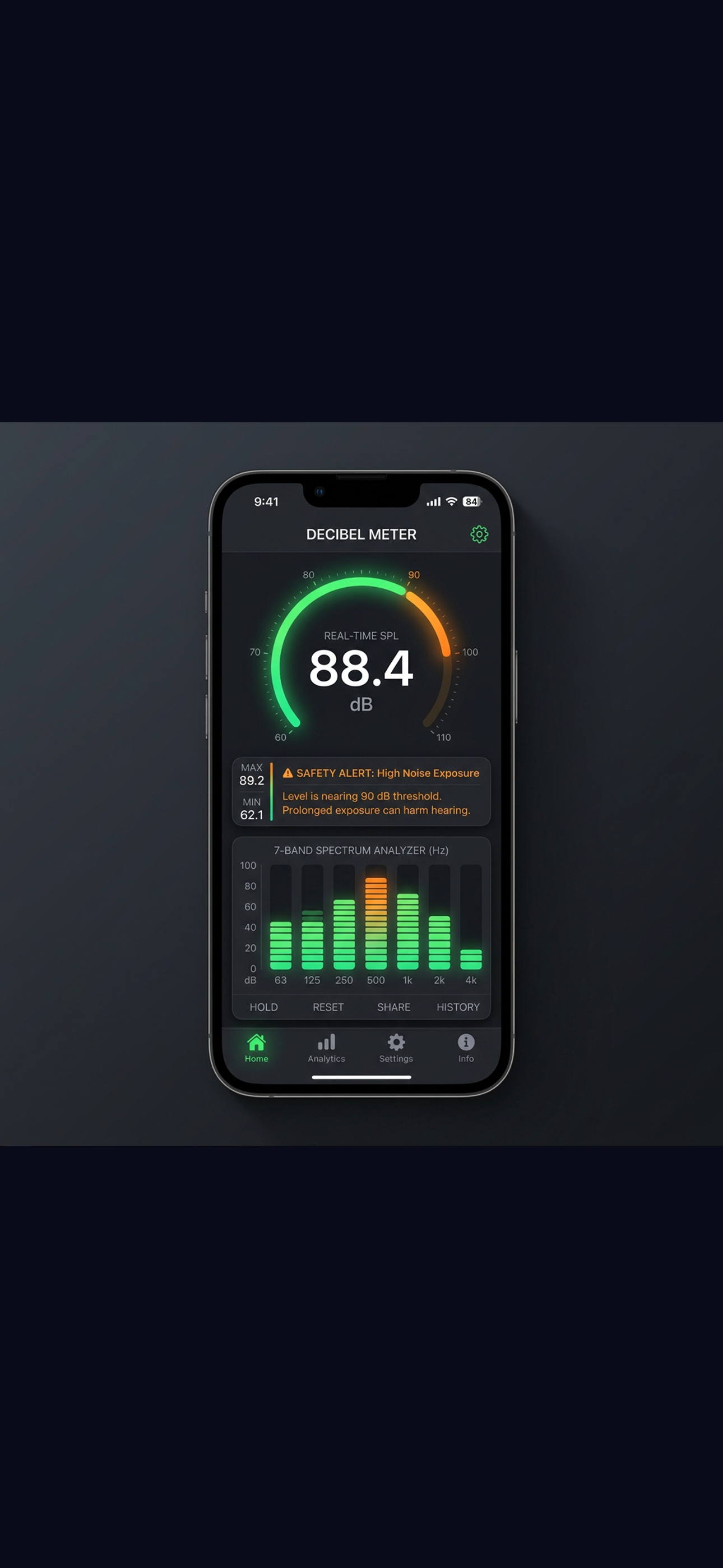
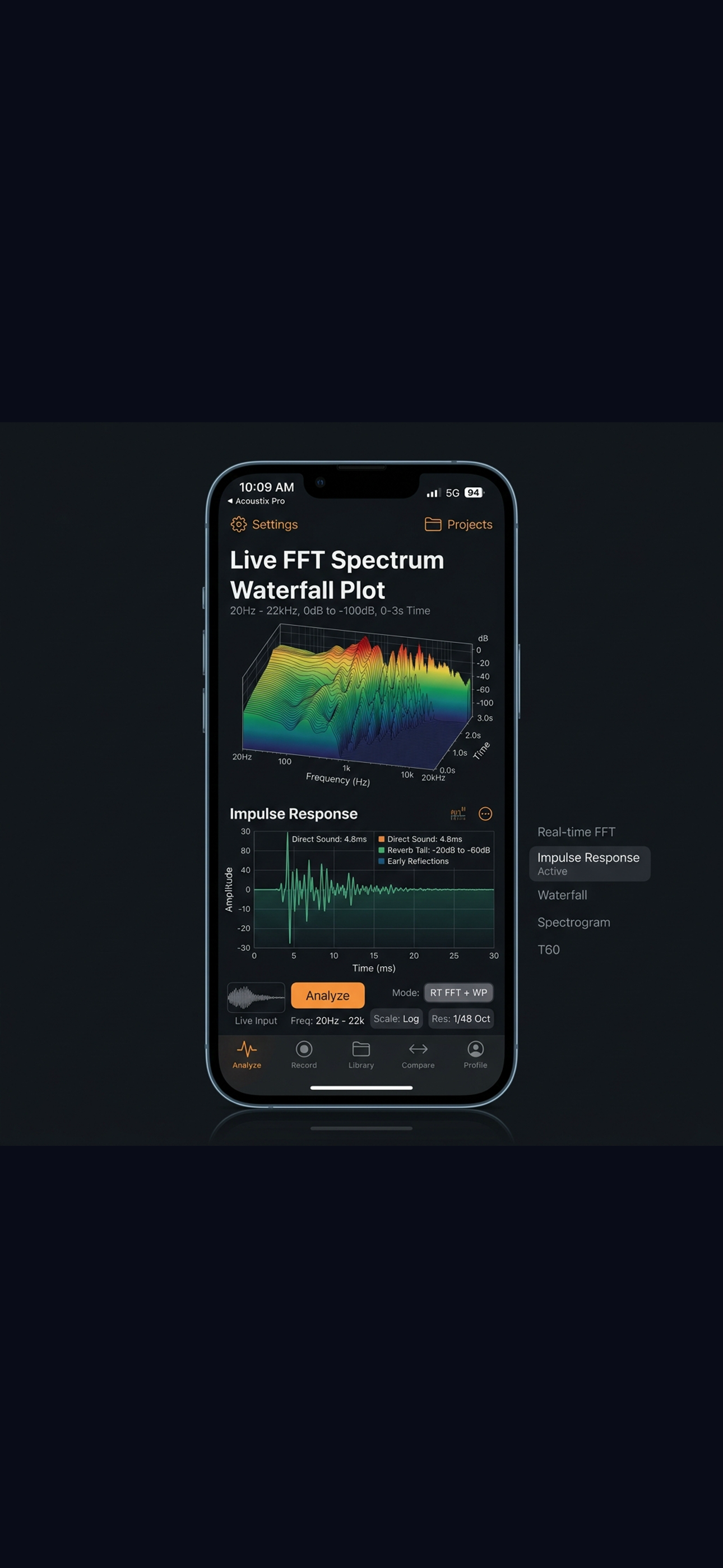
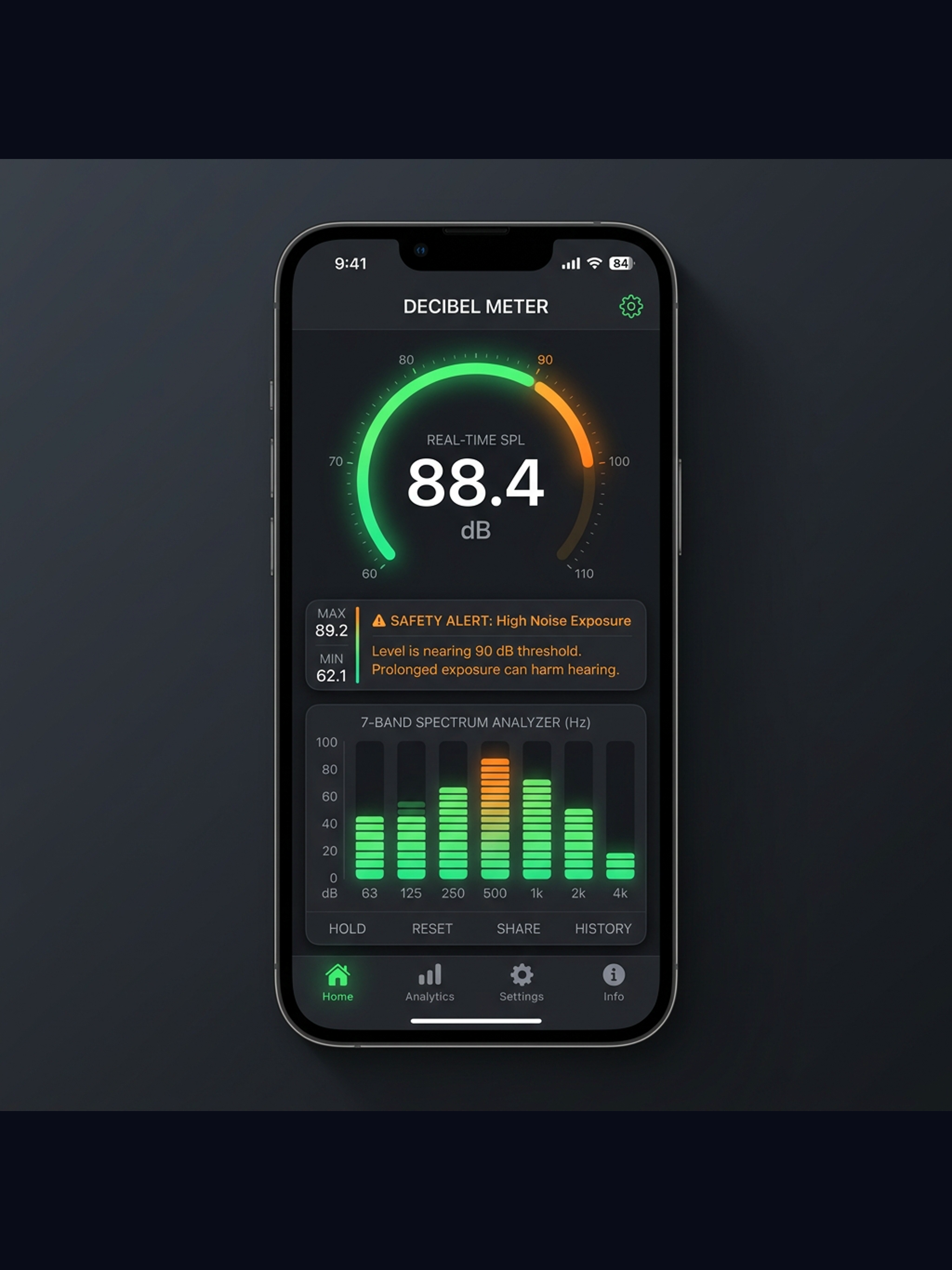
Real-time loudness with 7-band spectrum (1290×2796).
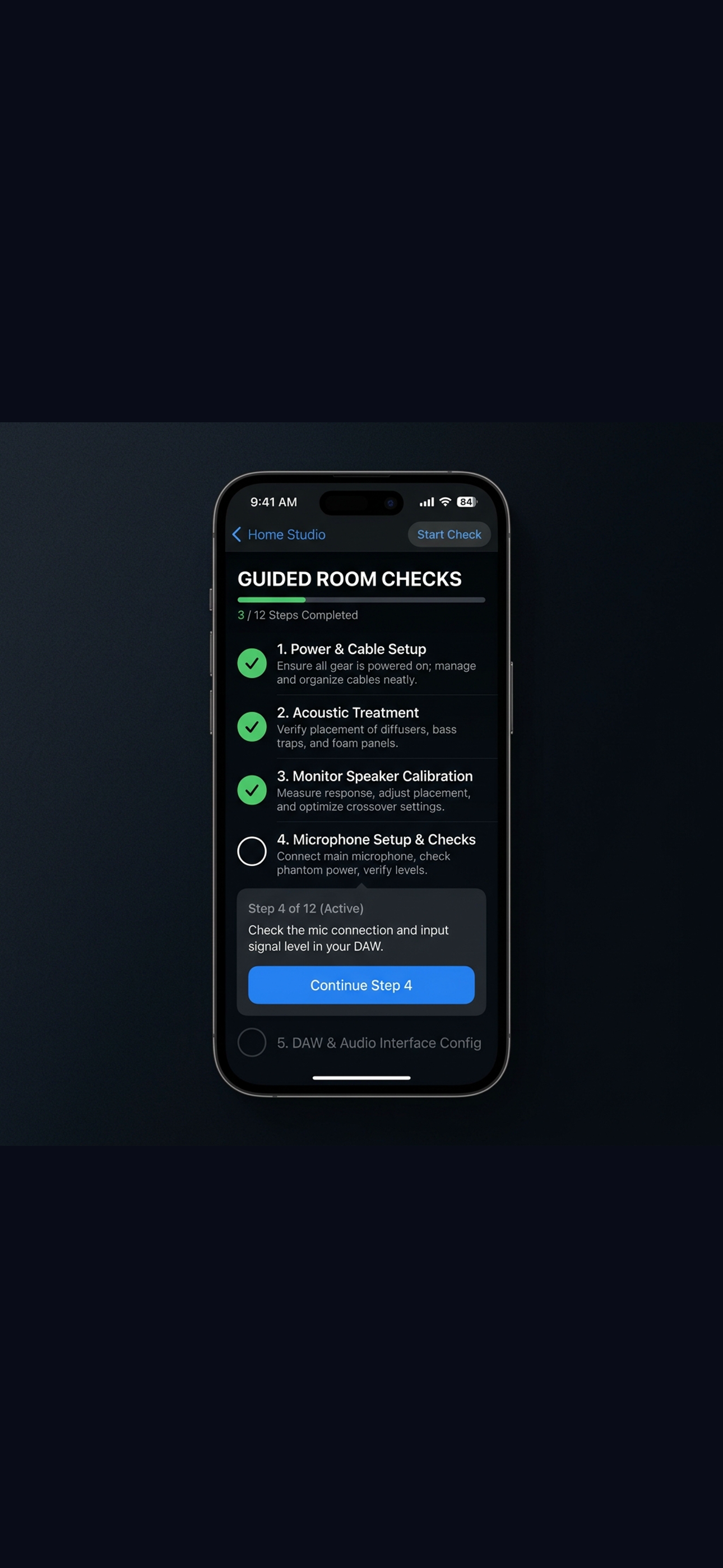
Room and booth check workflow (1290×2796).
Plain-English next steps after a check (1290×2796).
On-device session history and venue profiles (1290×2796).
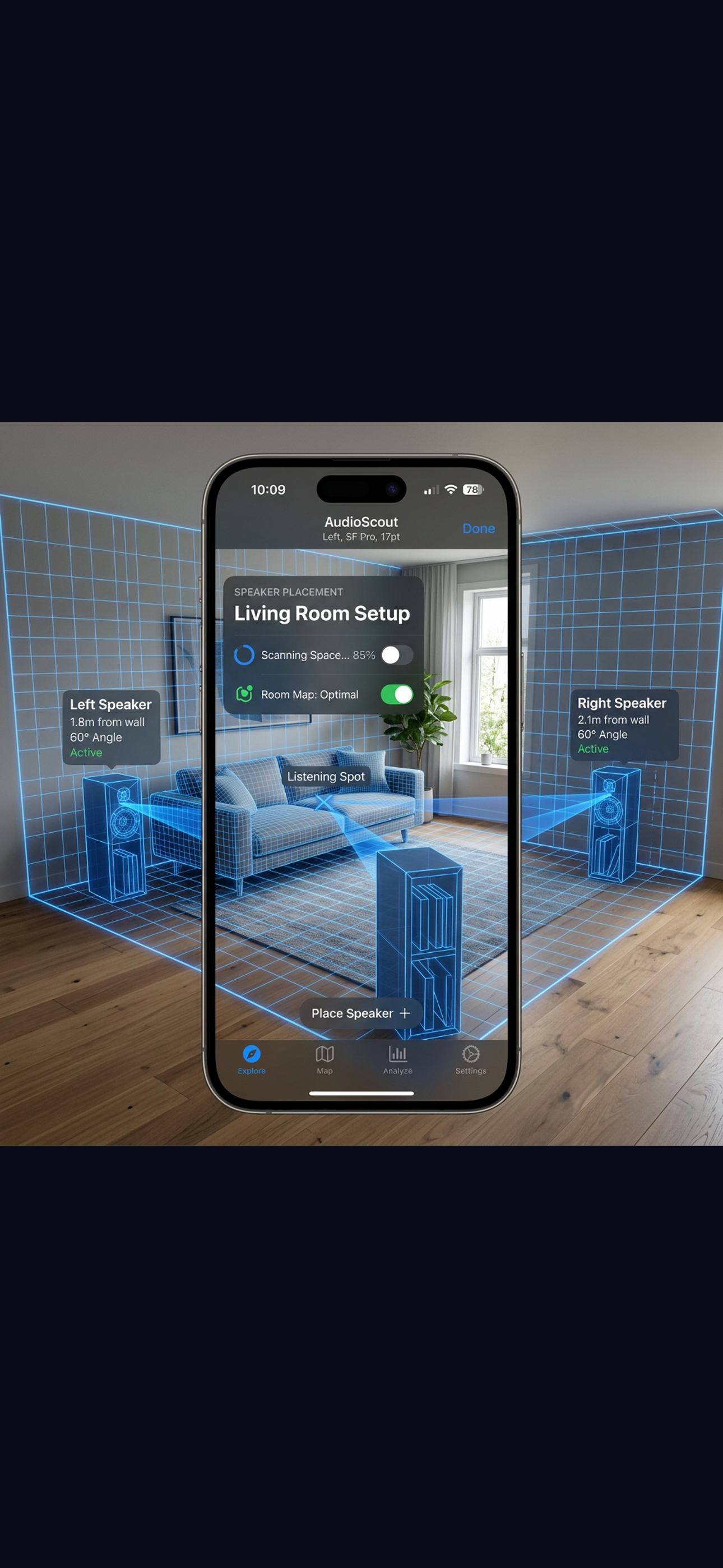
Room scan and speaker placement tools (1290×2796).
15-second App Store preview clip.
15-second iPad preview clip.
One-page overview: platforms, pricing, features, disclaimers.
DRAFT placeholder — replace before distribution.
Approved naming, language, and color tokens.
iPad screenshots (2048×2732) are in assets/press/screenshots/ipad/. Android is not available — iOS only at launch.
We respond to press and review requests by email. For TestFlight beta access, you can also use our beta page.
Prefer email? press@levelcheck.live · Need the app? Request beta access
LevelCheck is designed as a practical sound monitoring and setup guidance tool. It helps users notice loud environments and improve room and booth setup. Results may vary by device, microphone permissions, calibration, environment, and how the phone is positioned. LevelCheck is not a certified SPL meter, does not make compliance or occupational-health claims, and is not a laboratory measurement tool. No audio is ever recorded, stored, or transmitted. Core measurements and history stay on your device.
Download materials above, request review access, or join the beta before the July 4 App Store launch.